
Eibach
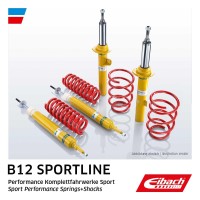
Eibach B12 Sportline complete suspension kit VW Golf V Plus (1K) (E95-85-014-08-22)1,296.82€ VAT included
Eibach
Eibach B12 Sportline complete suspension kit VW Golf V Plus (1K) (E95-85-014-08-22)1,296.82€ VAT included

Ulter Sport
Ulter Sport Universal silencer, NRS (NRS242/17-2)263.76€ VAT included
Ulter Sport
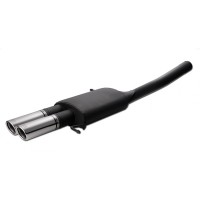
Ulter Sport Rear silencer for Volkswagen Passat CC 2007-2016, Ø70 mm, round, 2 tailpipes (129-233/70RS)246.91€ VAT included
Remus
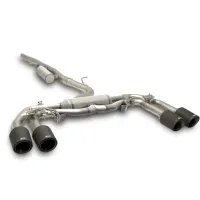
Remus GPF Back Exhaust System for Audi S3 Limo Facelift GY (MY 2024-) — Rear Silencer, EC (Legal)2,276.22€ VAT included
HFI
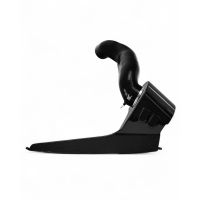
HFI carbon air intake kit VAG 2.0 T(F)SI EA888 Gen.4 (e.g. Golf 8 GTI, Leon KL) (HGHFISV07M)891.45€ VAT included
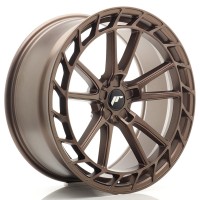
JR Wheels
JR Wheels JR45 21×9.5″ 5x114.3 ET35 Matt Bronze572.30€ VAT included
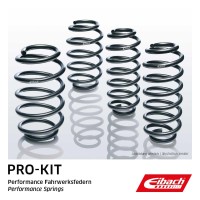
Eibach
Eibach Pro-Kit lowering springs Volvo C70 (E8420-140)499.14€ VAT included
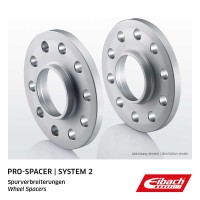
Eibach
Eibach Pro-Spacer wheel spacers 30 mm per axle, 5x10⁸, 5x114,3, hub bore 60 mm, system 2 (S90-2-15-022)187.62€ VAT included
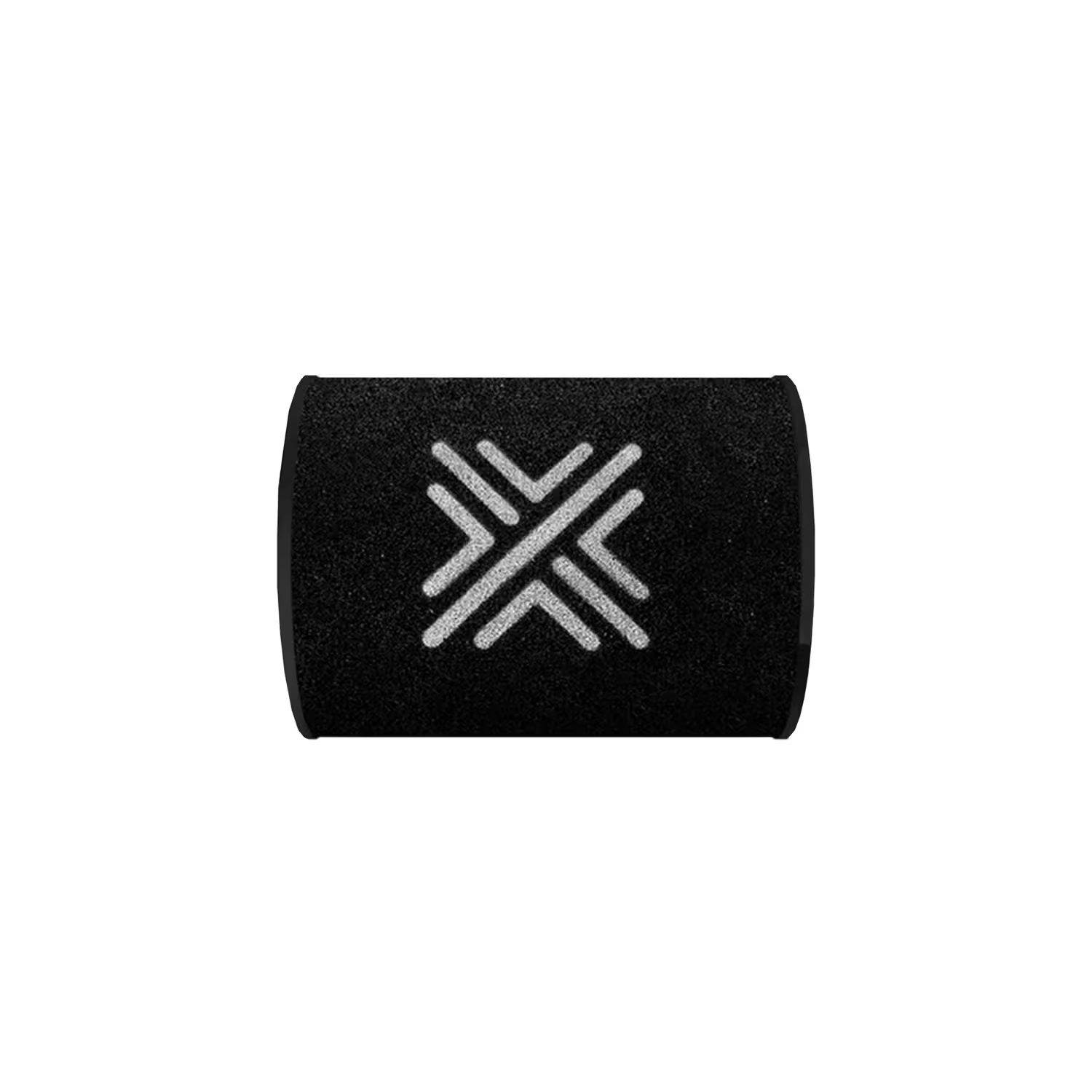
Pipercross
Pipercross replacement filter PX1366 (PX1366)69.31€ VAT included

KW
KW Coilover suspension V3 BMW 4 Series (G23) (352200EW)2,437.88€ VAT included
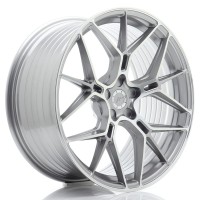
JR Wheels
JR Wheels JR51 20×10″ Blank ET20–45 Titanium Machined Face477.90€ VAT included

ST
ST Wheel bolt (59110145)38.67€ VAT included

ST
ST Sport damper (61W80058)127.92€ VAT included
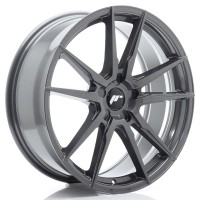
JR Wheels
JR Wheels JR21 20×8.5″ 5x112 ET20 Hyper Gray413.00€ VAT included

Vossen
Vossen HF-3 22×10,5″ 5x130 ET20 Gloss Black1,249.62€ VAT included

KW
KW Race spring (60110049)78.34€ VAT included
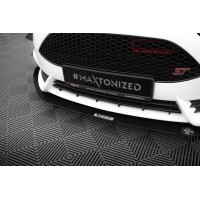
Maxton Design
Maxton Design Front Splitter Racing V.3 Ford Fiesta ST Mk7 FL (FO-FI-7F-ST-CNC-FD3A)167.63€ VAT included
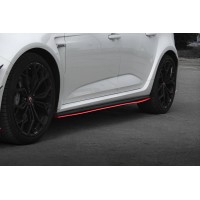
Maxton Design
Maxton Design Side Skirts Diffusers V.2 Renault Megane RS Mk4 (RE-ME-4-RS-SD1RED)194.00€ VAT included

V-MAXX
V-MAXX Lowering springs SEAT CORDOBA SEDAN (6K/C) (35 SE 12)136.16€ VAT included

ST
ST Coilover suspension XTA MINI (1822080A)1,337.66€ VAT included
 0 item(s) - 0.00€

VAT included. Shipping calculated at checkout
Product Code: CC31046

Availability may change.
There are no reviews for this product.
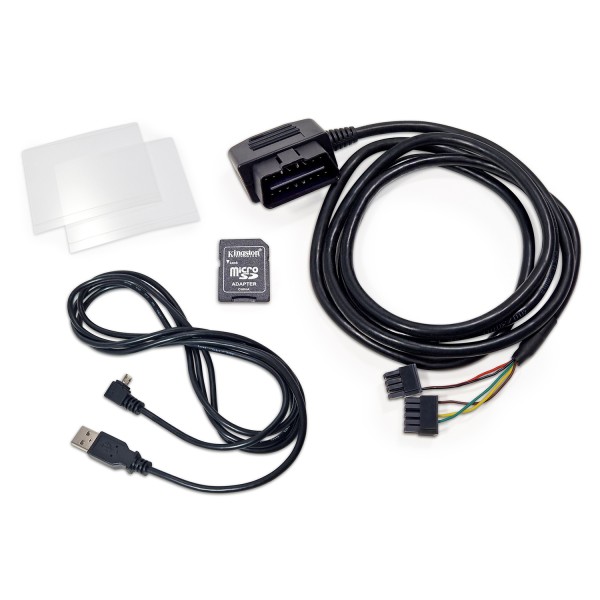
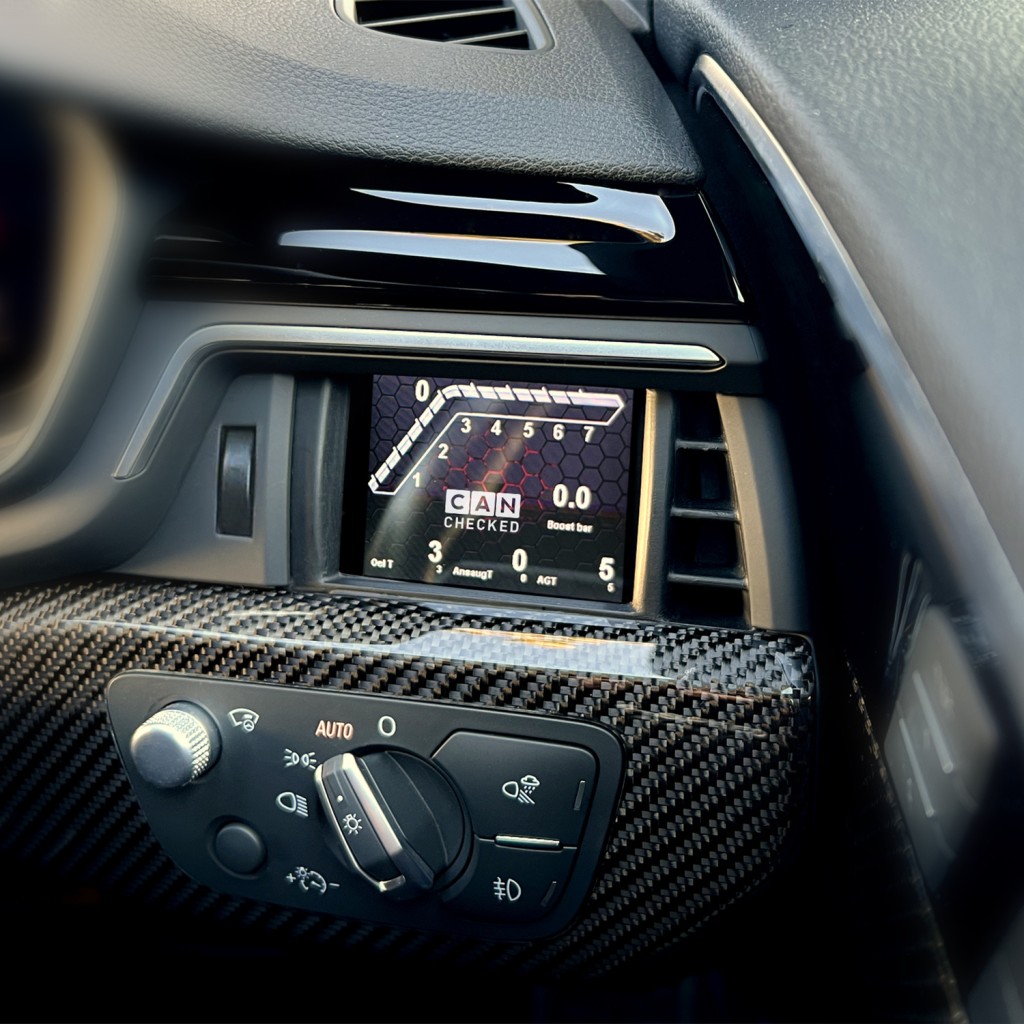
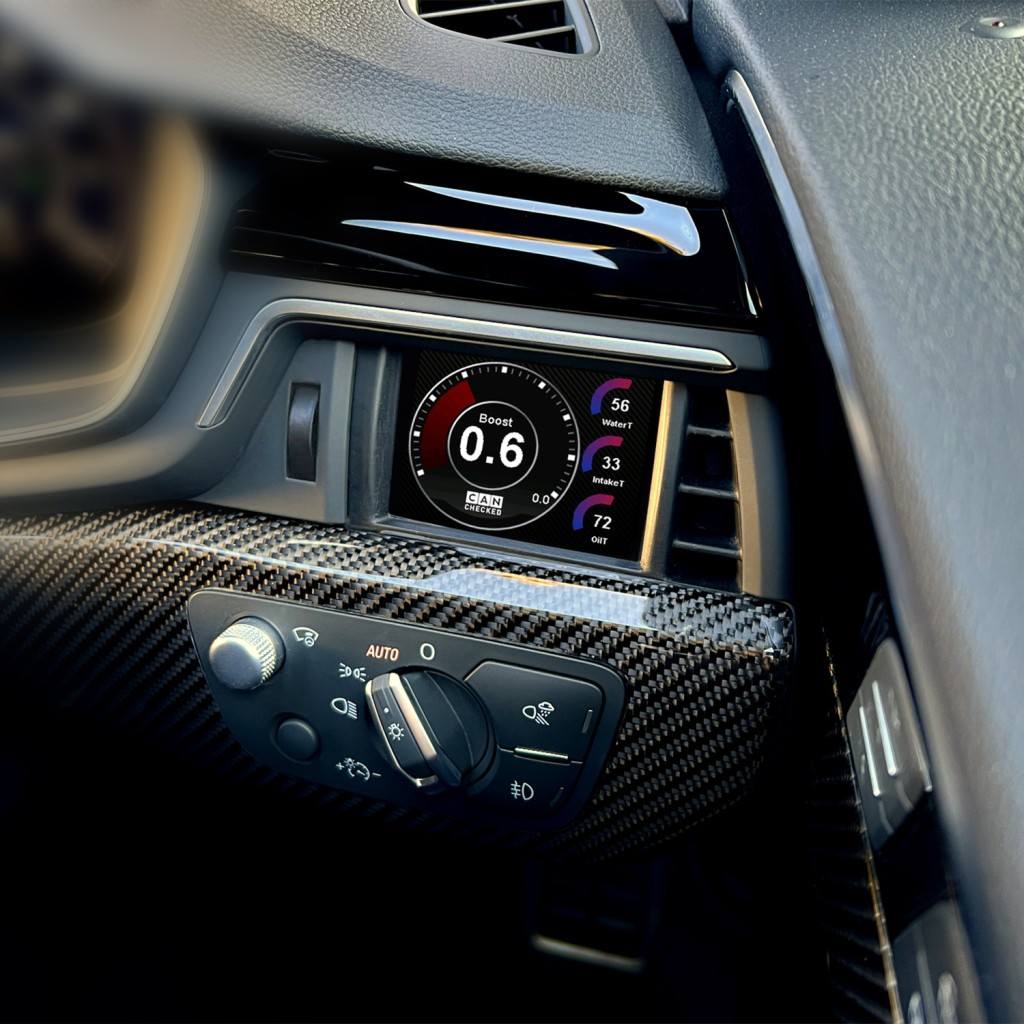
Audi A4 B9 display - Unleash the power of data. We present our advanced display for the Audi A4 B9 (including S4/RS4) and A5 F5 (including S5/RS5) models. With this state-of-the-art display you get access to all the data of your engine control unit - and we really do mean all. Our display queries the sensors directly via the CAN bus protocol and shows the information on our reliable MFD28 display. The Audi A4 B9 display blends seamlessly into your vehicle’s interior design thanks to a tailor-made frame that imitates an original part. We have optimised the manufacturer-specific CAN bus protocol to achieve the maximum query speed. Key functions: perfect integration into the vehicle interior Query of up to 128 sensors 10 individually customisable views with our DSS - Display Setup Software Preconfigured views for a quick start with our display Simple plug-and-play installation with our cable set - just connect and go 4 additional analogue inputs for monitoring exhaust gas temperature, oil pressure and more Direct integration of the ethanol sensor Best readability with optional anti-reflective film Sensor queries on the same level as manufacturer tools Further functions: Performance meter: measure your acceleration times with our performance widget - 0-100, 100-200, 0-200. Data logging: record all data on the internal SD card - whether “on demand” (start with a fingertip) or permanently. All data from your last drive is saved. Preset alarms: activate and customise predefined warning messages, e.g. a significant warning when the exhaust gas temperature exceeds 900 degrees. 4 additional analogue inputs: connect additional temperature and/or pressure sensors for further monitoring options, such as exhaust gas temperature or exhaust back pressure. An ethanol sensor can be connected to one of the digital inputs. Fault reading/clearing: read out faults of the engine control unit in plain text and clear them. Customisation: adapt the start screen or choose from various widgets to design the display as you wish. Seamless vehicle integration: our display fits all left-hand-drive Audi A4 B9 and A5 F5 vehicles. A version for right-hand-drive vehicles is currently in development. Access to all engine control unit data: we supply your display with a preconfigured TRI file as standard. This file defines all sensors that can be queried, including: temperatures: engine coolant temperature, intake air temperature, exhaust gas temperature, gearbox temperature. Pressures: boost pressure, ambient pressure, oil pressure. Lambda/mixture: target/actual lambda, short-term lambda adaptation, long-term lambda adaptation, MAF, engine load, torque. Driver dynamics: brake pressure, vehicle speed, throttle angle/accelerator pedal position. Other: engine speed, total ignition angle, gear, battery voltage, ignition angle correction per cylinder. Analogue inputs: further sensors such as oil temperature, fuel pressure, oil pressure, exhaust gas temperature and more can be added, including an ethanol sensor for flex-fuel vehicles. Please note that not every engine supplies all these values. For which engines and models is this Audi A4/A5 display suitable? The display frame fits all left-hand-drive (LHD) Audi A4 B9 and A5 F5 vehicles. A version for right-hand-drive (RHD) vehicles is currently in development. Scope of delivery Included: MFA28 Gen2 data display integrated in the cluster Quickstart guide USB data cable SD card (preinstalled in the display) SD card adapter Display film (to avoid reflections) Plug-and-play connection cable to the OBD port Connection and extension All sensors can be connected via the four analogue inputs - we support linear 0-5V as well as NTC sensors. Our in-house CANchecked display sensors are stored in the TRI/TRX files as standard and only need to be connected: AIN1: temperature sensor AIN2: converter for type K exhaust gas temperature sensor AIN3: pressure sensor 0-10 bar AIN4: boost pressure sensor 0-5.5 bar absolute In addition to the analogue sensors, you can also connect our external shift light with 8 LEDs. It can flash in different colours, and the rpm limits and colours can be configured directly on the display. You connect the ethanol sensor directly to the display. You need a pull-up resistor (10K) between 5V and signal. You can then display and log the ethanol content and temperature directly on the display. Advanced functions. With the math channels you can combine sensors with each other. The user table lets you generate further sensors using 2D or 3D maps. Optional accessories CC24000 SLM08 - external shift light module CC22100 CBD08 - eight-way CAN distribution hub CC22902 NTC01 - temperature sensor for fluids 1/8" NPT CC22903 TCC01 - type K converter 0-1250°C CC22901 FLP01 - pressure sensor 0-10 bar (145psi) M10x1 CC22904 BST10 - pressure sensor 6.5 bar relative (95psi) Installation instructions: we provide illustrated installation instructions to make the installation process easy. Unleash the full potential of your Audi A4 B9 or A5 F5 with our advanced display. If you have any questions or need more information, please don’t hesitate to contact us.
TÜV / ABE available upon request
We currently ship within Europe only.
If a part is not available, we will contact you with an estimated wait time.
If you wish to return a product after receiving it, we offer a 14-day returns policy. Custom-made products are not eligible for return, and return shipping is at the customer's expense. Full delivery and returns terms are on the “Delivery Information” page — the link is at the bottom of the page.
Products come with a warranty, detailed in a certificate included in the box.
To make a valid claim, you must prove the damage was not caused by you and that the warranty certificate is valid.
Full terms are on the “Terms & Conditions” page — the link is at the bottom of the page.
Eibach
Eibach Pro-Kit lowering springs AUDI A4 (8W2/B9)/ Audi A5 (F53) (E10-15-023-01-22)409.46€

Thor
THOR LEVEL 1 (THOR-L1)694.94€

ST
ST Wheel spacer (56010201)167.58€

KW
KW Cancellation kit AUDI (68510476)341.02€

Motordrome Design
Lip Spoiler Audi A4 / A4 S-Line / S4 B9 / B9 Facelift118.04€

Maxton Design
Maxton Design Front Splitter V.1 Audi S4 / A4 S-Line B9 (AU-A4-B9-SLINE-FD1G)197.38€
HG Motorsport
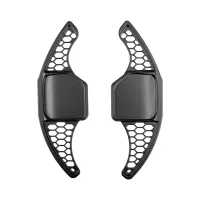
HG Motorsport Paddle shifters "HG-Design" Audi (e.g. A3 8P, A4 B7/B8, A5 B8, A6/A7 4G, TT 8J) (HGSW4G)98.17€
Maxton Design
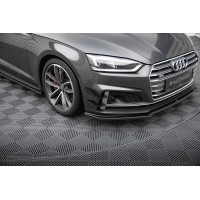
Maxton Design Front Bumper Wings (Canards) Audi S5 / A5 S-Line Coupe / Sportback F5 (AU-S5-2-CAN1)98.20€

HG Motorsport
"HG-Motorsport" Black on Black cap (HGMERC3DBB)
RRP 29.00€ 28.76€
VAT included
Forge Motorsport
1.4TSI EA211 Performance Ignition Coil Pack (FMCP07)48.71€ VAT included
RacingLine
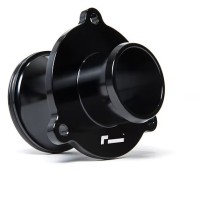
2.0 TSI EA888.3 & 3B Turbo Muffler Delete For all VW, Audi, Cupra, Skoda 2.0 TSI (VWR160001)144.33€ VAT included
Ramair
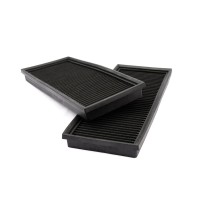
2x Mercedes Replacement Pleated Air Filter (PPF-9764)113.16€ VAT included
Pipercross
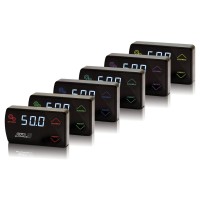
3005 G-Force III Electronic Boost Controller309.63€ VAT included
Forge Motorsport
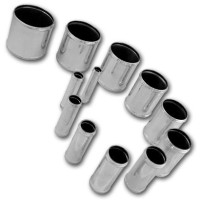
60mm O/D Alloy Hose Joiner (FMHJ60)14.63€ VAT included
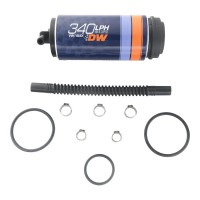
DeatschWerks
9-355-1025 - DW340V FUEL PUMP FOR AWD VW/AUDI292.56€ VAT included

HG Motorsport
A/C cap cover set black HG-Motorsport logo (HGKLCAP1M)
RRP 19.90€ 19.73€
VAT included


